Opening a Position
Navigate to Earn
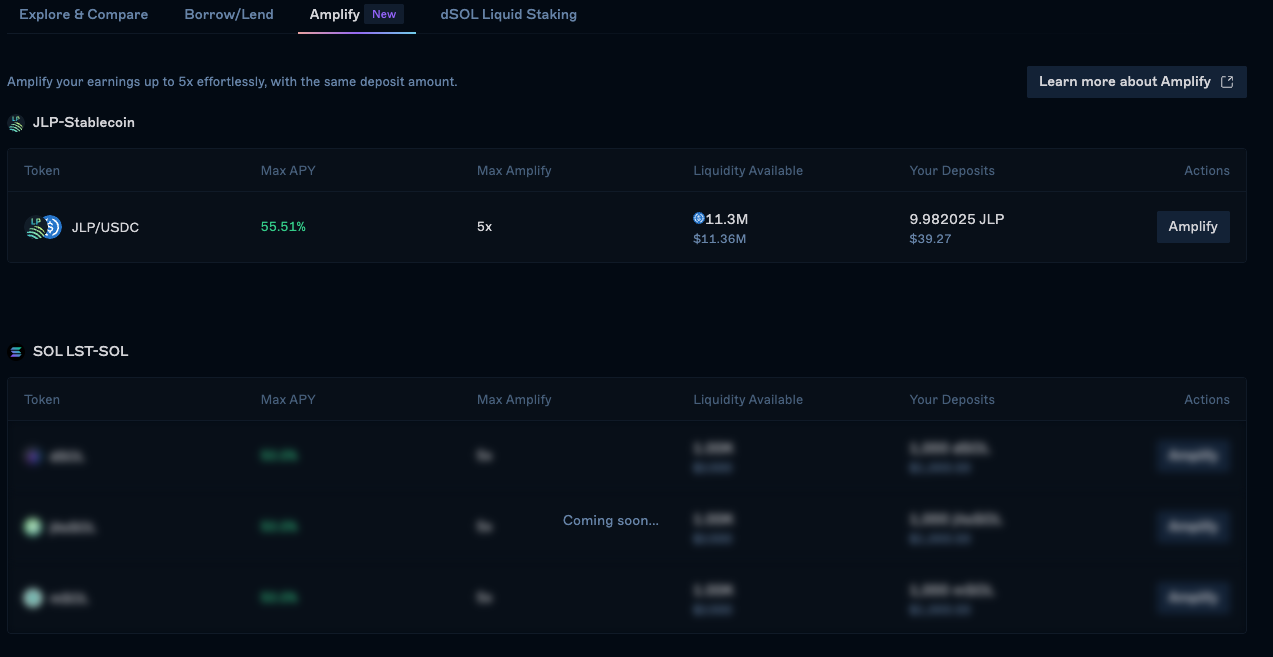
From the top navigation panel, go to Earn followed by Amplify and choose your desired market.
Select leverage ratio and amount
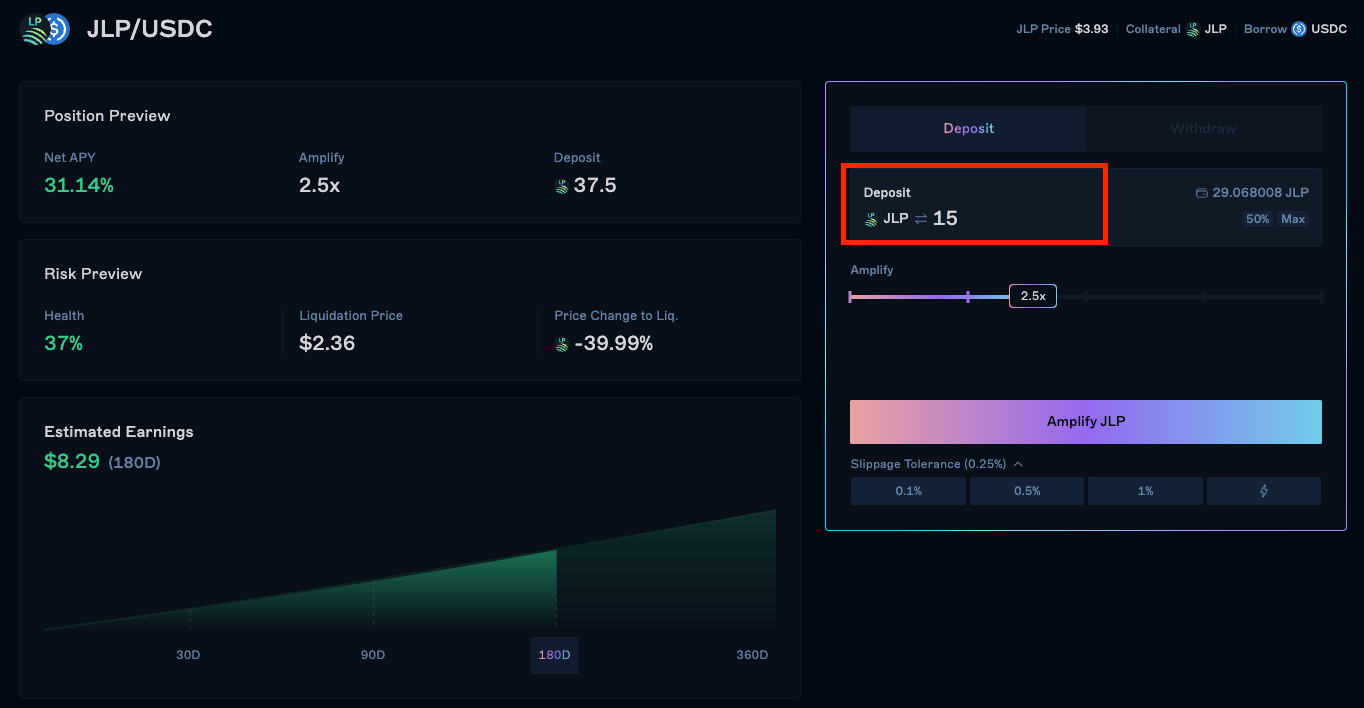
Select your desired leverage ratio and input the amount of collateral you want to deposit.
Review
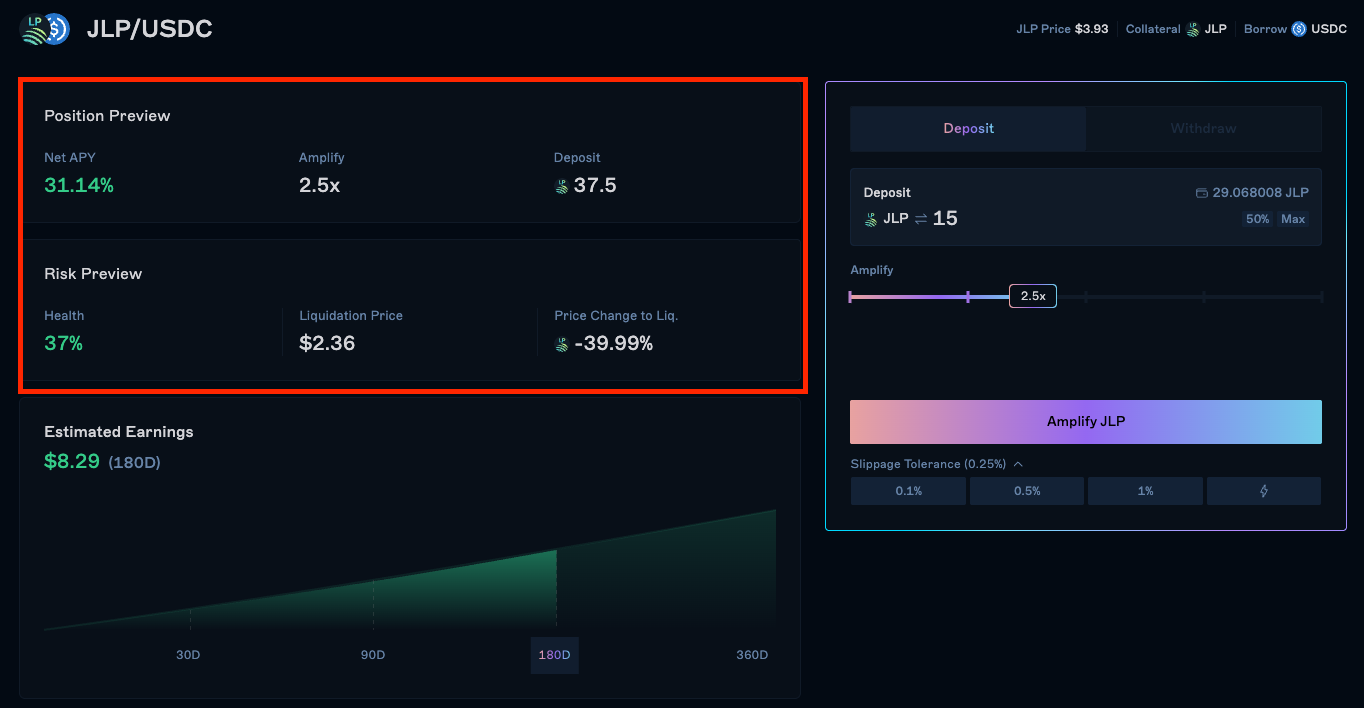
Review your position details and confirm the transaction.
Confirm
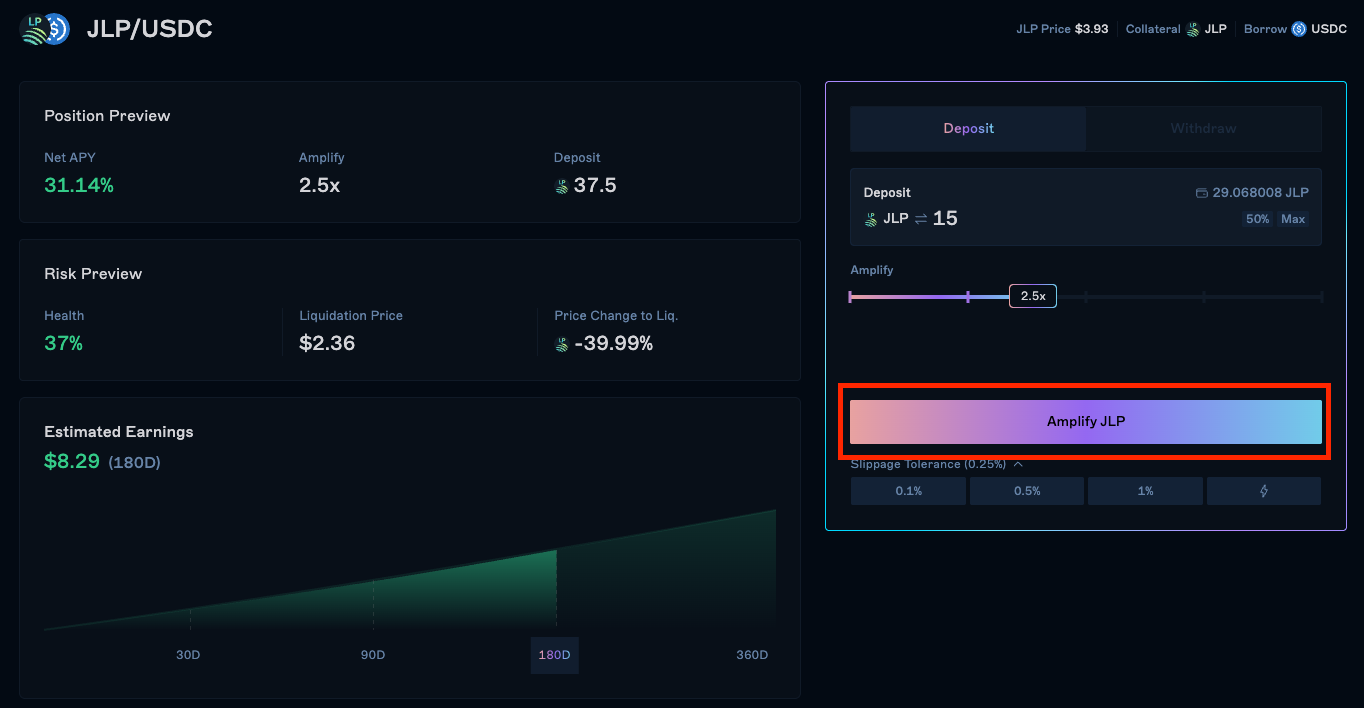
Once confirmed, your position will be opened and you can monitor it in the Positions tab.
Last updated on